TravelNova · Flights

Compare flights. Sell in seconds.

One-way and return searches with smart sorting, detailed filters and every fare detail right on the card.

TravelNova flight results
From route to fare

Built for the way people
actually book flights.

01 · Search

Where from, where to,
and when.

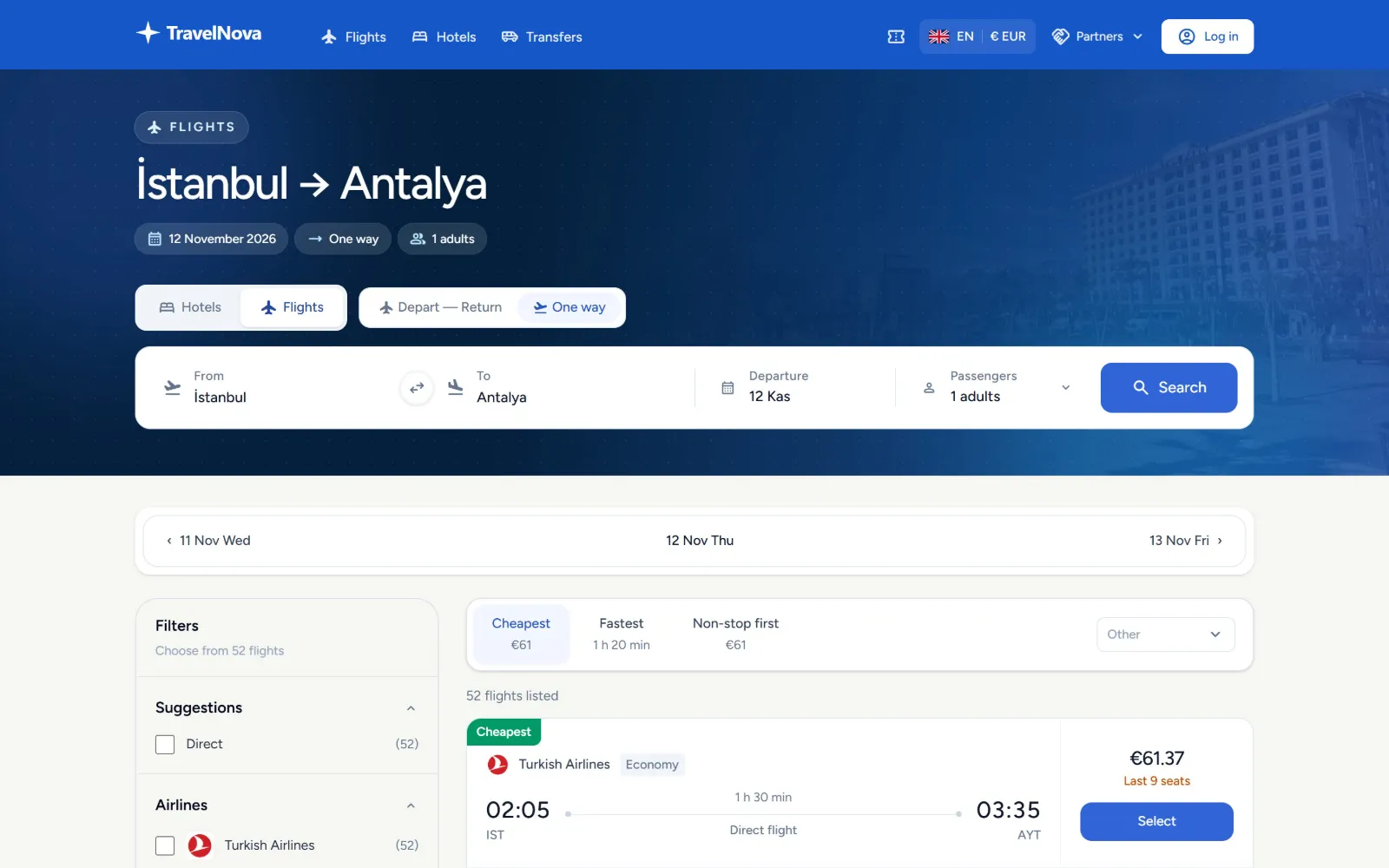
Airport and city suggestions, including "all airports" for a city. One-way or return, passengers and a direct-flights-only switch in one form.

  • Departure and arrival autocomplete
  • One-way and return trips
  • Direct flights only option
  • Popular routes one click away
youragency.com/flights
Flight search
02 · Results

The right flight
on top, every time.

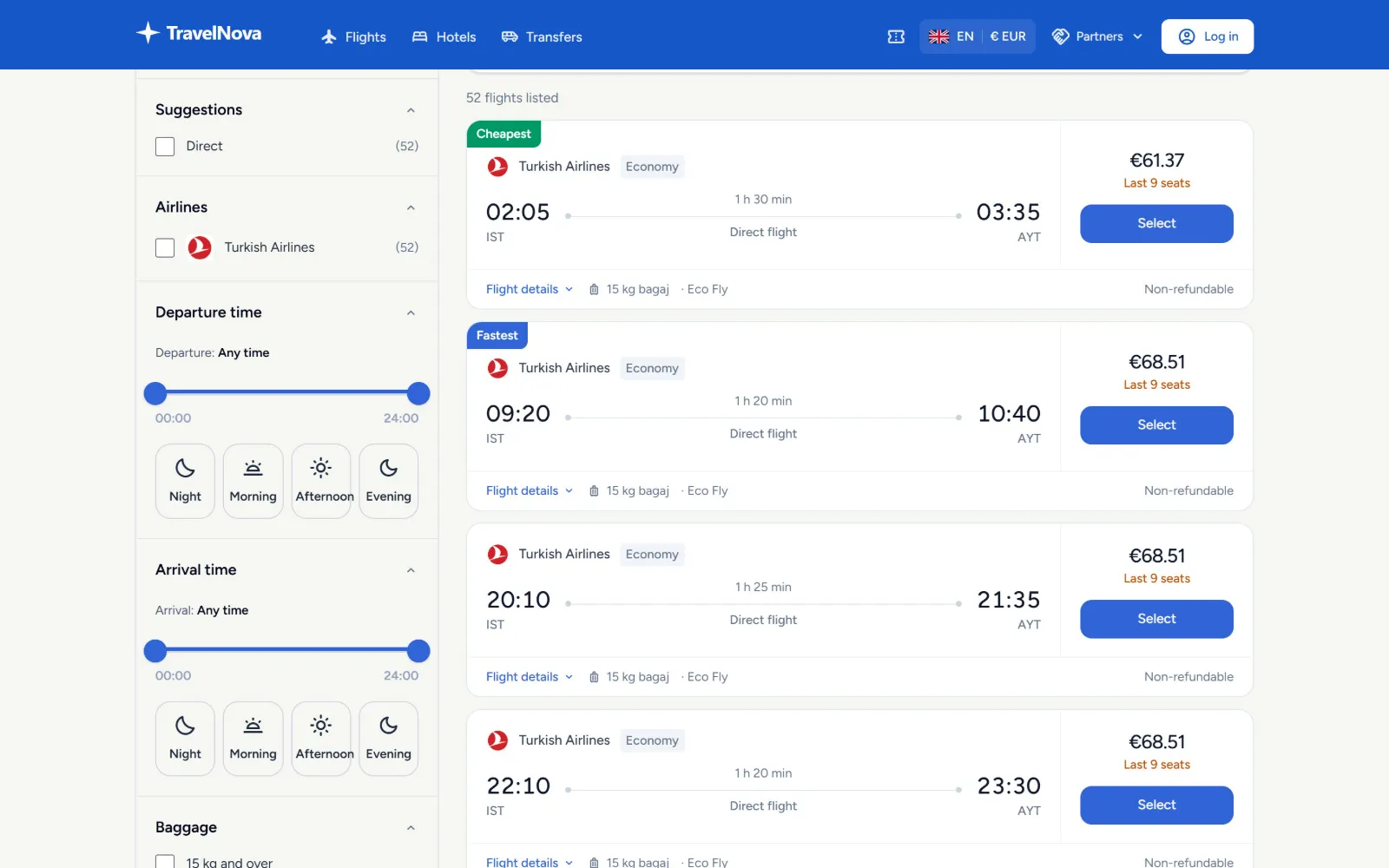
Sort by cheapest, fastest or non-stop first, step to the previous or next day, and switch between outbound and return legs.

  • Cheapest · fastest · non-stop first
  • Neighbouring days in a date strip
  • Outbound and return tabs
  • Seats left shown on the card
youragency.com/flights?ist-ayt
Flight results
03 · Mobile

Booked on the go.

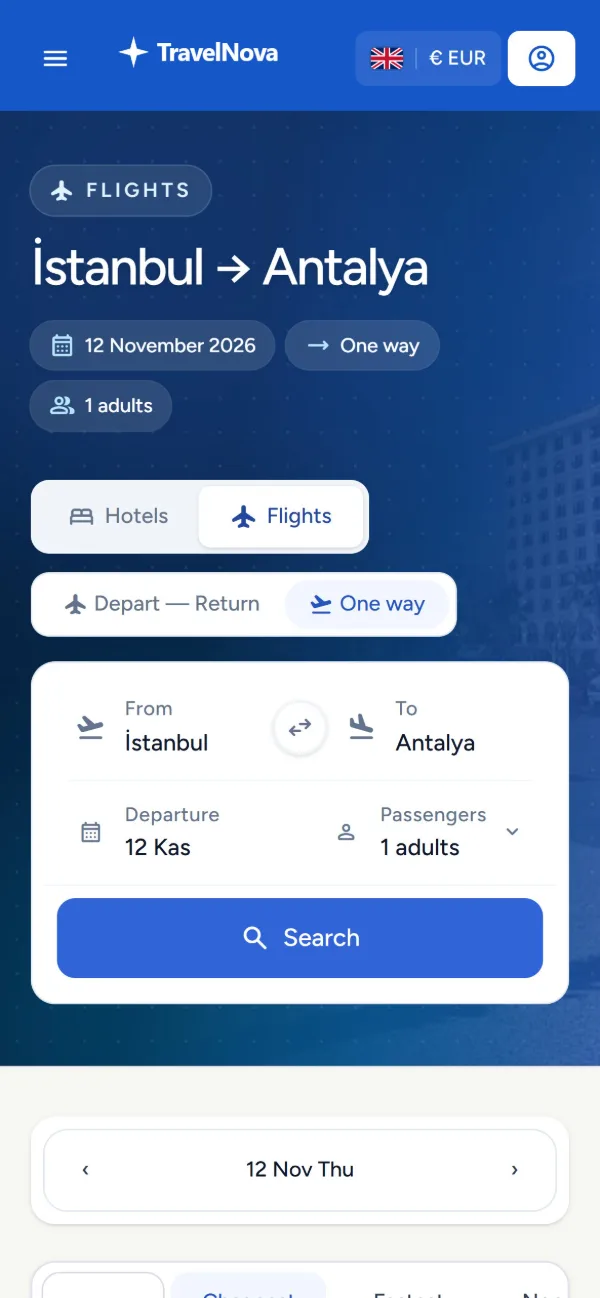
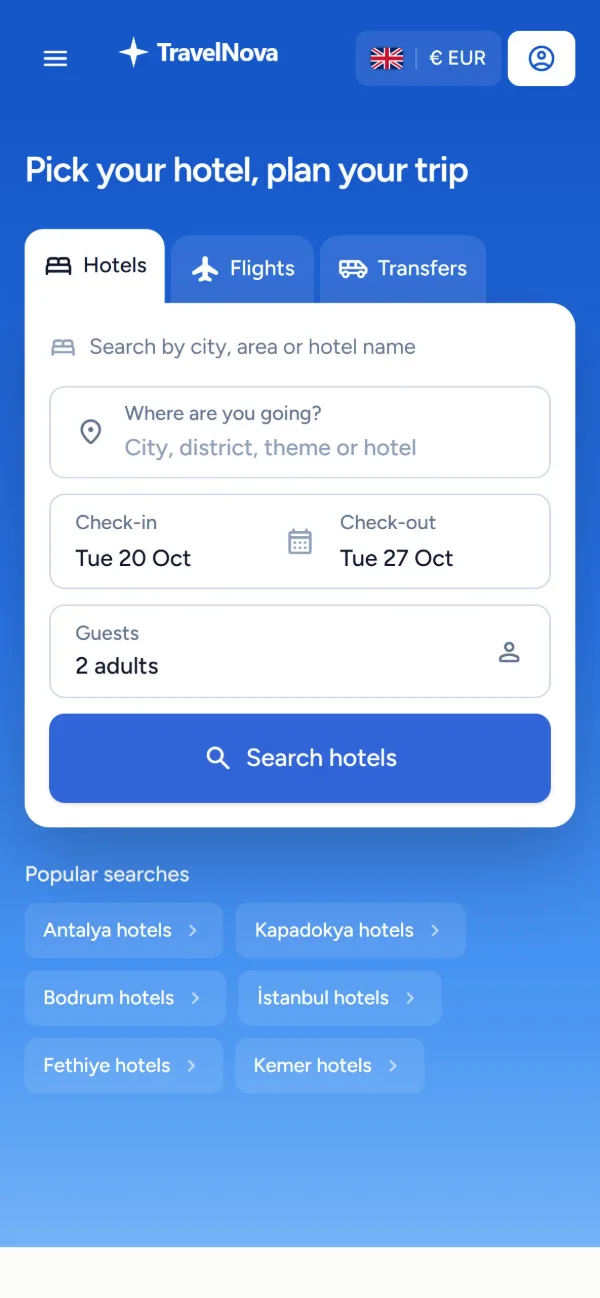
Search, results and filters are designed for small screens, with language and currency on every page.

  • Mobile-first search and result cards
  • Departure and arrival time windows
  • Baggage and airline filters
Mobile flight search
Mobile home
Flights

Everything in
the flight flow.

12 features

  • 01

    One-way & return

    Both trip types with passenger selection in one form.

  • 02

    Airport search

    Airport and city suggestions, including all airports of a city.

  • 03

    Date strip

    Jump to the previous or next day straight from the results.

  • 04

    Cheapest first

    Lowest fares on top by default.

  • 05

    Fastest first

    Sort by total travel time.

  • 06

    Non-stop first

    Direct flights first, or direct flights only.

  • 07

    Airline filter

    Show or hide airlines with one tap.

  • 08

    Time windows

    Filter by departure and arrival time of day.

  • 09

    Baggage info

    Baggage allowance and fare brand on every card.

  • 10

    Seats left

    Remaining seats shown where the supplier provides them.

  • 11

    Fare rules

    Refund and change rules in the flight details.

  • 12

    3D Secure payment

    Card payments through your bank's virtual POS.

Add flights
to your storefront.